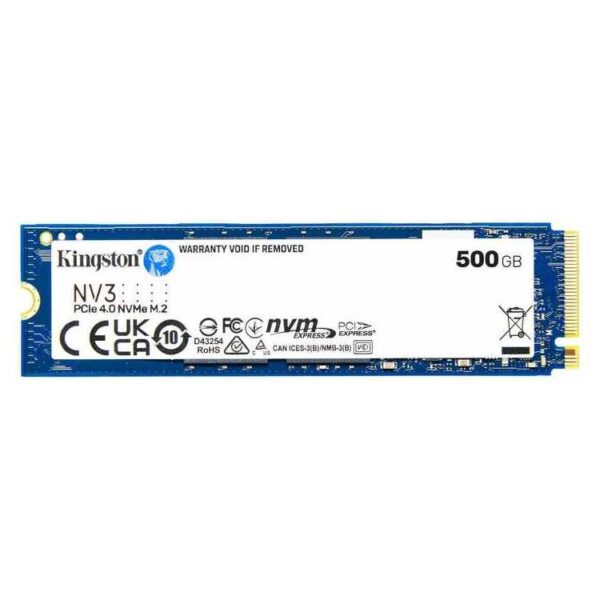
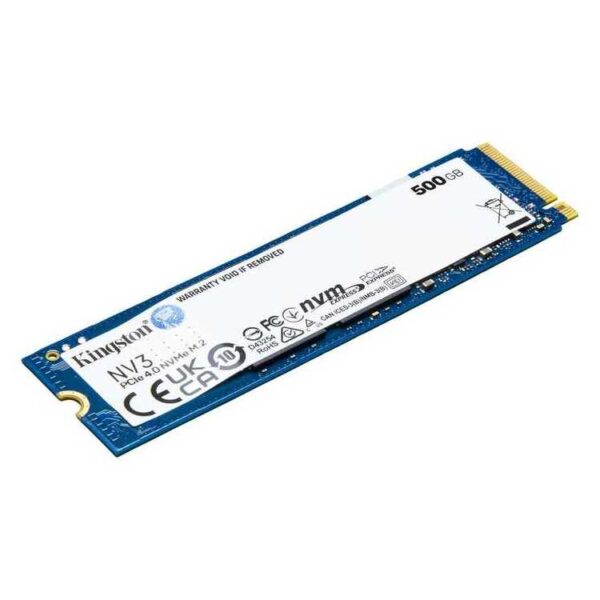
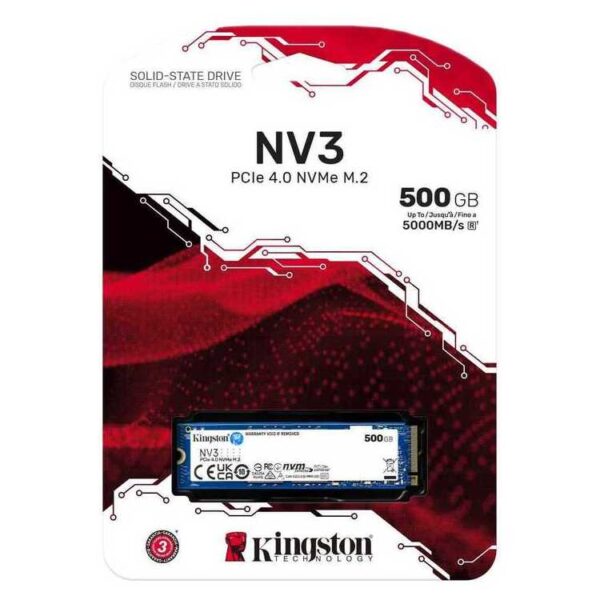
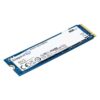
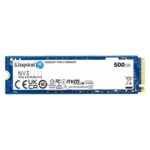
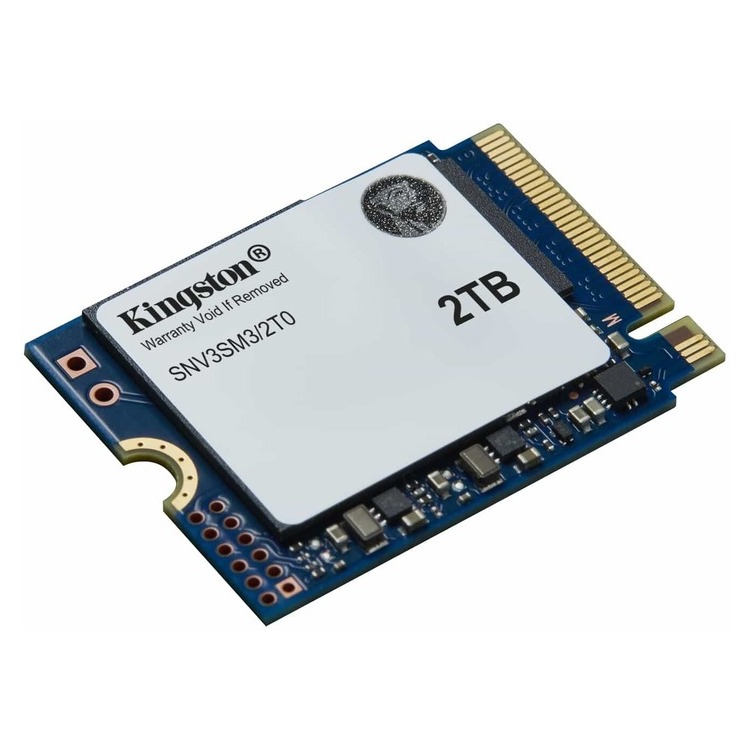
Ο Kingston NV3 SNV3S/500G 500GB is an M.2 NVMe SSD that aims to be a quick and substantial upgrade for a desktop or laptop: more immediate boot, faster application loading and more "swift" daily use compared to an HDD or an older SSD.
Who is it suitable for?
It's a practical choice for upgrading office systems, home PCs and gaming builds, when you want better responsiveness without breaking the bank. The 500GB capacity is ideal for the operating system, basic programs and a select set of games or work files.
Compatibility & right choice
Before purchasing, please confirm that your device has M.2 port with NVMe/PCIe support. On some laptops/motherboards, the M.2 port may only support SATA. If your system is PCIe 3.0, the drive will work normally, just the maximum speed is determined by the available PCIe.
For better thermal performance in demanding use (e.g. large continuous transfers), good airflow in the case and/or a suitable M.2 heatsink helps, especially in small cases or laptops with limited cooling.
Official sources (Kingston)
Frequently Asked Questions (FAQ)
Is the Kingston NV3 compatible with PCIe 3.0?;
Yes. If your system has an M.2 NVMe slot that operates at PCIe 3.0, the drive will work normally, but performance will be limited by the available PCIe.
Does it fit into any M.2 port or does it require NVMe?;
Requires an M.2 port that supports NVMe/PCIe. Some systems have M.2 for SATA only. Please check your motherboard/laptop specifications before purchasing.
Does the NV3 need a heatsink?;
For typical office or gaming use, it's usually not necessary. However, if the case has limited airflow or the usage involves large continuous transfers, an M.2 heatsink can help with thermal stability.
How can I transfer Windows/data from the old disk?;
You can clone the old drive to the new SSD with compatible software. Kingston lists support for cloning via Acronis (see the official part number page) and it is recommended to keep a full backup before you begin.
Where do I find official specifications and support?;
On the official product page (Part Number SNV3S/500G) and in Kingston's official PDF datasheet. You will find them in the "Official sources" links above.
Only logged in customers who have purchased this product may leave a review.




Reviews
There are no reviews yet