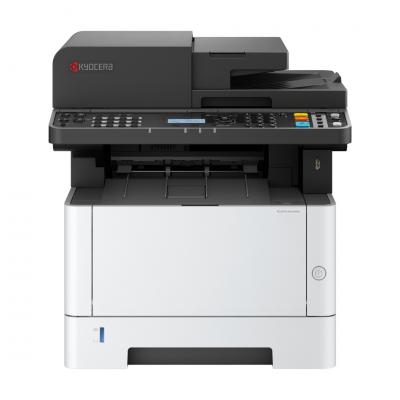
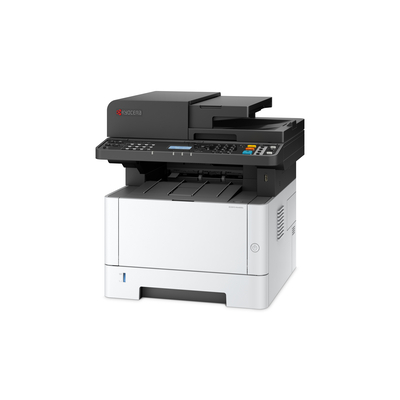
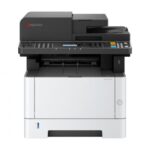
The KYOCERA ECOSYS MA4000x it is a mono laser multifunction machine (print/copy/scan) for professional use, designed for consistent performance and low operating costs in everyday workloads. It is ideal for offices, medical practices, accounting/technical offices and teams that want fast printing, clear text and reliable document flow.
Installation, drivers & daily use in the office
For proper installation in an office environment, it is recommended to connect to network via Ethernet and installation of official drivers KYOCERA on the computers. Downloads (drivers, software and documentation) are located at official Download Center. According to the official datasheet, the disk/DVD with drivers & manual is not included and internet is required for download.
For confirmed product information, see KYOCERA ECOSYS MA4000x official page and the official datasheet (PDF).
Practical benefits in practice
With support automatic double-sided printing (duplex), can significantly reduce paper consumption in archiving, invoicing and internal documents. The built-in Ethernet connection helps to easily share with multiple users on the same network, while scanning makes the transition to digital archiving and shipping faster.
Compatibility & installation
For the best experience in a corporate environment, it is recommended to connect to the network via Ethernet and install the official drivers/tools from KYOCERA. If you need help with Windows/Mac/ChromeOS setup, scanning to email/network folder, or for consumable recommendations, please contact us before purchasing.
Official sources (KYOCERA)
Does it support automatic duplex printing?;
Yes, according to KYOCERA's official documentation, the MA4000x has standard duplex for double-sided printing.
Can I share it across multiple computers in the office?;
Yes. By connecting to the network via Ethernet, you can share it so that multiple users can print. For stability, it is recommended to configure it on a router/switch and install the official drivers.
Is it suitable for invoicing/text-heavy documents?;
Yes, it is a mono laser device and aims for clean performance in business documents (text, forms, tables), with consistent quality in everyday use.
Does it support scanning for document digitization?;
Yes, as an MFP it supports scanning. If you want settings for scanning to email/SMB/FTP or OCR streams, we can guide you according to your environment.
Where can I see confirmed features and weight?;
The official KYOCERA datasheet (PDF) lists the basic features, dimensions and weight of the device.
Only logged in customers who have purchased this product may leave a review.








Reviews
There are no reviews yet