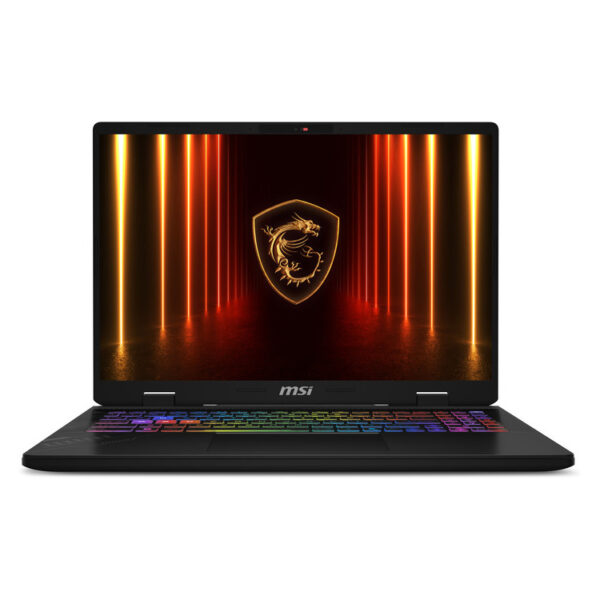
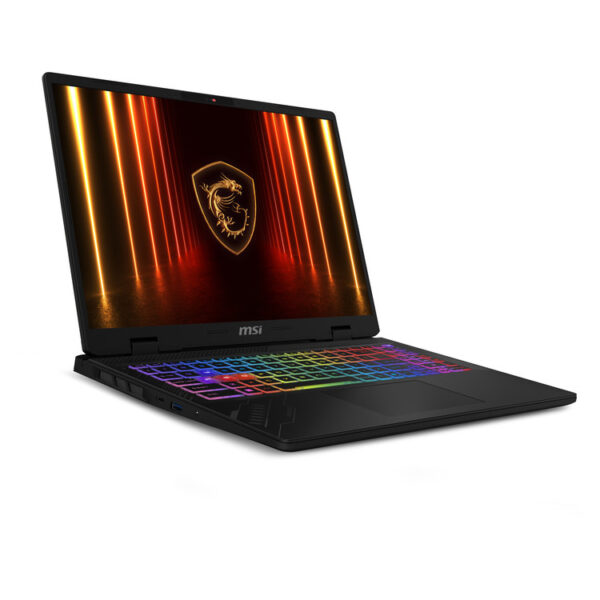
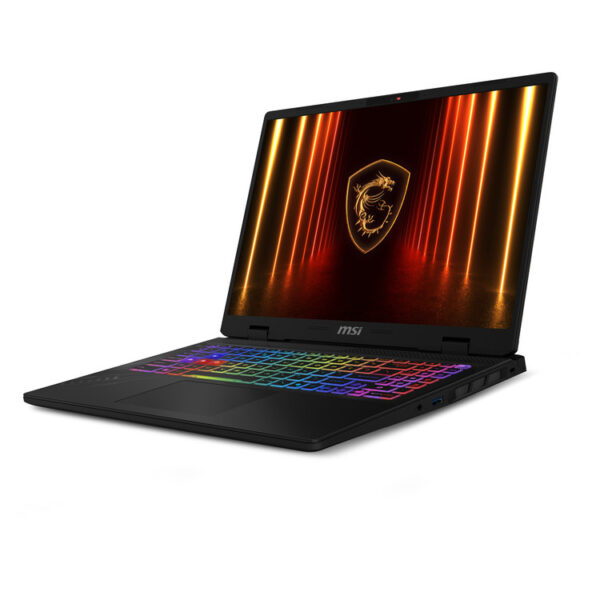
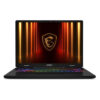
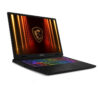
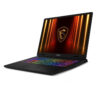
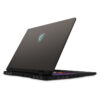
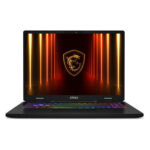
The MSI Crosshair A16 HX D8WFKG It is a laptop for gaming and content creation, with a 16″ QHD+ 240Hz screen and modern hardware for high FPS in competitive titles, as well as comfortable multitasking.
Who is it for?
- For gamers who want QHD+ resolution on 16″ with a high refresh rate, for smoother motion.
- For those who do streaming, video editing or creative multitasking and need a powerful CPU/GPU.
- For setups with an external display, HDMI 2.1 and USB‑C with DisplayPort can make the connection easier (check the official specs for your workflow).
What do you gain in practice?
By AMD Ryzen 9 8940HX and NVIDIA GeForce RTX 5060 Laptop GPU (8GB GDDR7), the system can handle demanding games and applications that utilize GPU acceleration. The configuration with 32GB RAM and 1TB NVMe SSD helps it stay "agile" across multiple open projects, game installations, and large files.
The screen 16″ QHD+ (2560×1600) at 240Hz It's practical when you want image detail and a high refresh rate for fast-paced scenes. To properly utilize 240Hz, make sure to set resolution/graphics per game and have up-to-date drivers.
Connections, network and daily use
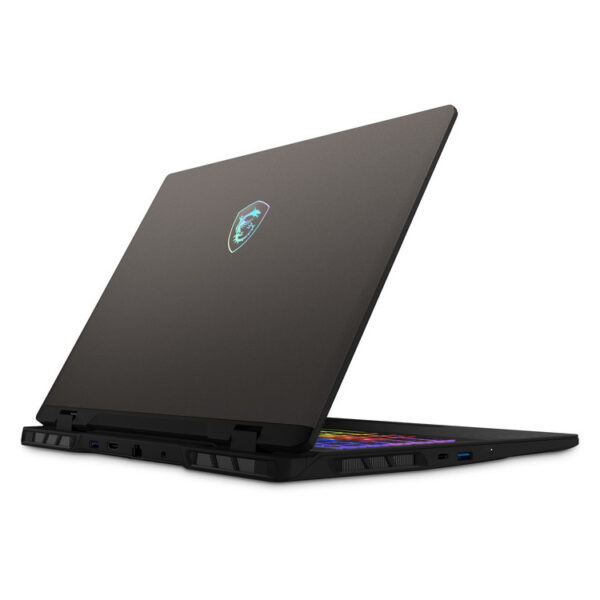
The existence Wi-Fi 6E and Gigabit Ethernet covers both wireless and wired use. For external monitors/peripherals, MSI's official materials list HDMI 2.1 and USB‑C with DisplayPort & Power Delivery 3.0. If you plan to use USB‑C charging/adapter, check the requirements and performance that may be affected depending on the scenario.
Official sources
Is it suitable for competitive gaming at 240Hz?;
A 240Hz display may offer smoother motion, but whether you'll get the same frame rates depends on the game, settings, and drivers. It usually helps to choose competitive presets and keep your drivers up to date.
What should I pay attention to before buying it?;
Confirm that the version configuration meets your needs (RAM/SSD) and that the ports you will use (e.g. HDMI, USB‑C/DisplayPort) match your setup. For details, please refer to MSI's official specifications.
Is it a good choice for editing/3D and creative work?;
The combination of a powerful CPU and discrete GPU is a good foundation for creative applications. For the best experience, proper power mode selection and updated drivers are recommended, especially in workflows with GPU acceleration.
Can I use it with an external display or docking?;
Yes, in many setups. MSI's official materials list HDMI 2.1 and USB-C with DisplayPort. If you're interested in a specific resolution/refresh rate, please confirm it in the official specifications before purchasing.
Can I upgrade memory or SSD later?;
The official specifications of the series state support for up to 2 M.2 SSD slots and 2 memory slots (the final capability depends on the model/configuration). For upgrades, please follow the instructions of MSI or an authorized service.
Where can I find drivers and user manuals?;
In MSI's official support section you will find drivers, manuals and utilities, by selecting the device model.
Only logged in customers who have purchased this product may leave a review.




Reviews
There are no reviews yet