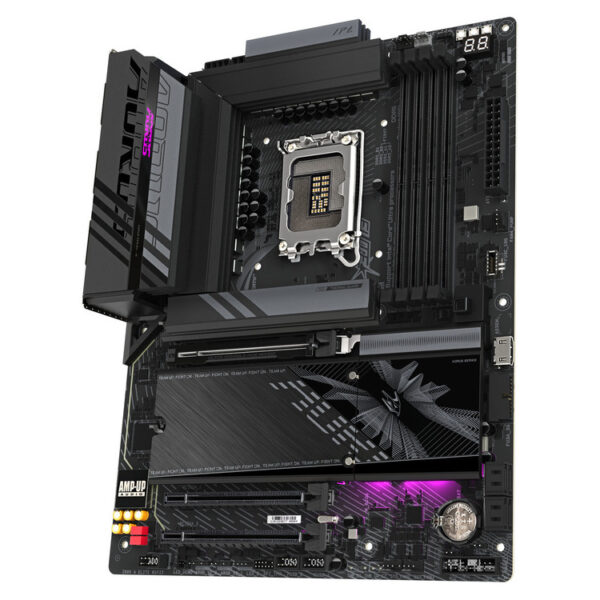
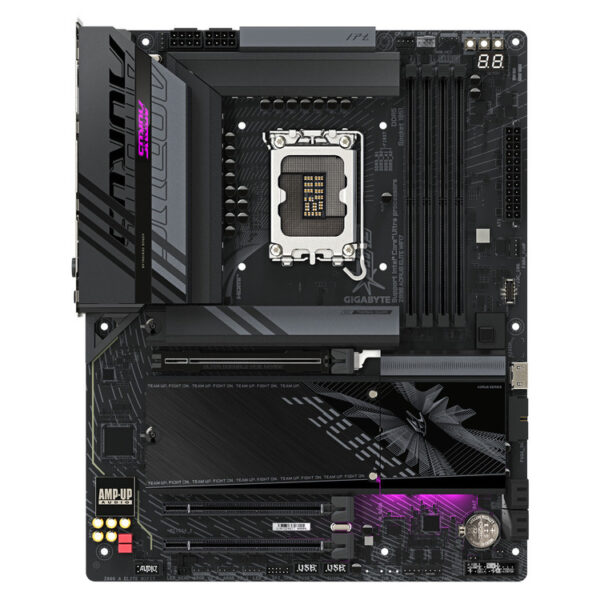
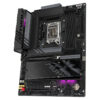
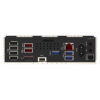
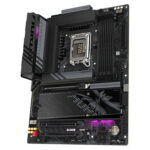
The GIGABYTE Z890 AORUS ELITE WIFI7 is it a motherboard ATX with chipset Intel® Z890 and socket LGA1851, designed for modern systems with DDR5 and an emphasis on connectivity. It's a balanced choice when you want a solid base for gaming or a creative workstation, without having to guess at compatibility.
Who is it for?
It is suitable for those building a new PC around the Intel Z890 platform and want modern features (built-in Wi-Fi 7, fast ports, DDR5 support), with official support tools/drivers from GIGABYTE.
What to look out for before buying
Confirm that your processor is LGA1851 and that you will use DDR5 (DDR4 is not supported). For the best experience, check the official lists CPU Support and Memory Support (QVL) for this particular model, especially if you already have a CPU/RAM selected.
- Advanced support for DDR5 for increased speed and performance.
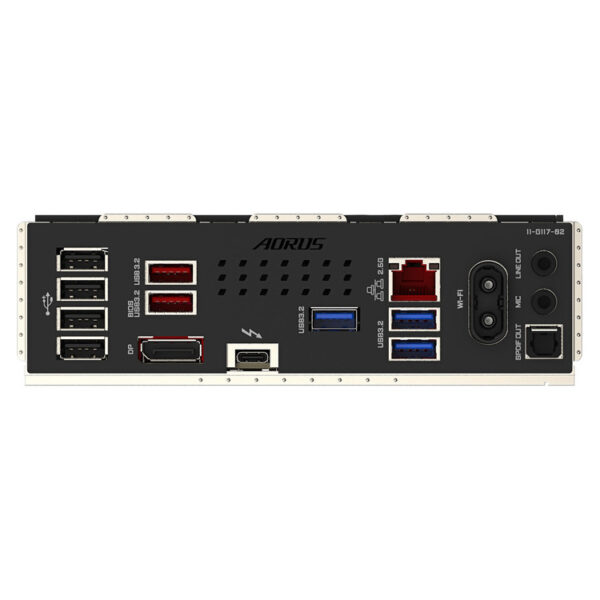
- Expanded connectivity with built-in WiFi 7 for wireless capabilities.
- Made with top-quality materials for durability and reliability.
- Suitable for building high-tech systems with ATX format.
For comprehensive after-sales support (drivers, BIOS, manual, QVL), use the manufacturer's official pages.
Official sources
Frequently Asked Questions (FAQs)
What processors is the motherboard compatible with?;
The Z890 AORUS ELITE WIFI7 has an LGA1851 socket and is designed for Intel Core Ultra (Series 2). For absolute confirmation of compatibility, please check the CPU Support list on the official GIGABYTE support page.
What type of memory is needed?;
The motherboard uses DDR5. If you have a specific kit, it is recommended to check the Memory Support/QVL list on the official support page for recommended compatible memory.
Is Wi-Fi 7 built-in or does it require a card?;
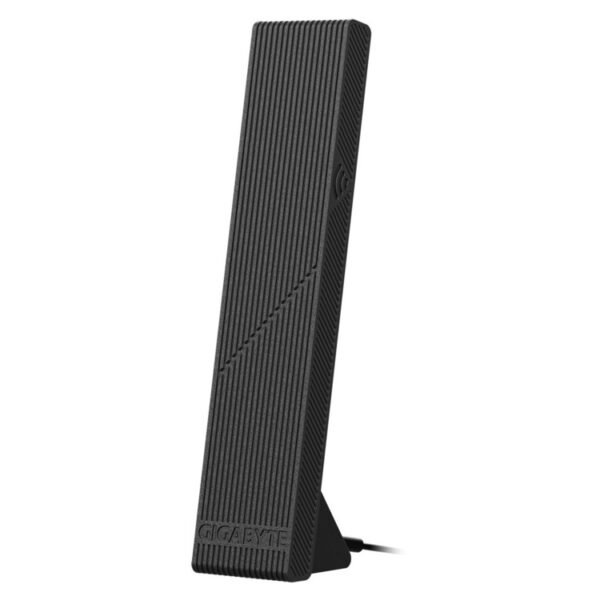
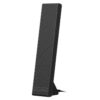
Wi-Fi 7 is built into the motherboard. For optimal signal, use the included antenna, following GIGABYTE's instructions.
Where can I find drivers, BIOS and the user manual?;
All official downloads (drivers, BIOS) and the manual can be found on the GIGABYTE Support tab for this model.
What should I pay attention to before installing in an ATX case?;
Make sure your case supports ATX, that you have installed the standoffs correctly, and that the power/fan connections are made according to the official manual. Also, check for a newer BIOS on the official Support page before final assembly.
Only logged in customers who have purchased this product may leave a review.




Reviews
There are no reviews yet