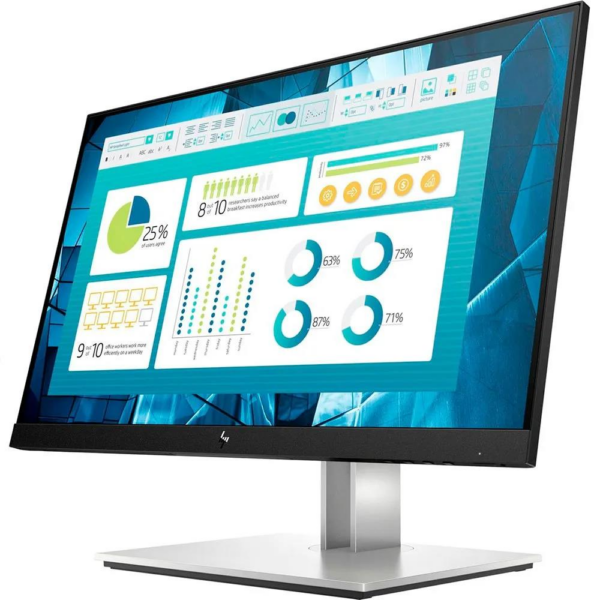
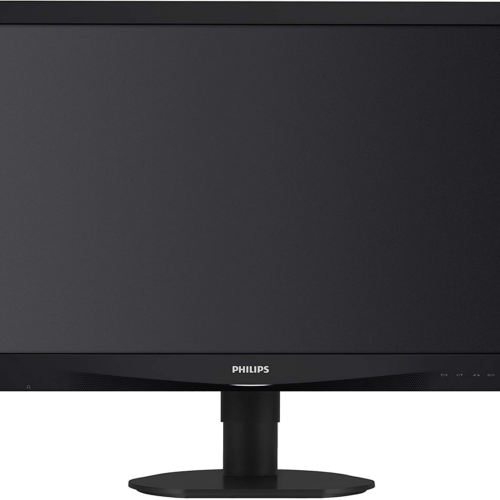
HP E22 G4 is a reliable office monitor for everyday professional use (email, ERP/CRM, documents, video conferencing and multiple windows), with an emphasis on comfort and proper ergonomics.
Who is it ideal for?
It is particularly suitable for office and home office environments where you need a clear image, stable performance and easy connection to a PC, laptop or docking station.
Connectivity & practical use
According to HP's official specifications, the model supports connections DisplayPort, HDMI and VGA, while it also has USB hub (USB Type-A ports) for peripherals such as keyboard/mouse or headset. This reduces clutter on the desk and makes everyday use easier.
Ergonomics for long hours of work
The ergonomic stand with adjustments (height/tilt/swivel/vertical use) helps bring the screen to the right place, which makes a difference during long hours of work.
Official HP sources
To confirm features, compatibility, and available ports, see HP's official specifications pages:
Frequently Asked Questions (FAQ)
What can I connect it to?;
It can be connected to a desktop/laptop with DisplayPort or HDMI, while there is also VGA for older systems. Choose the appropriate cable/adapter depending on the outputs of your device.
Is there a USB hub for peripherals?;
Yes, according to HP, it has USB Type‑A ports so you can easily connect small peripherals (e.g. mouse/keyboard/headset) to the monitor.
Is it suitable for long hours of office work?;
Yes. The ergonomic stand (position adjustments) helps to improve posture and better organize your workspace.
Is it suitable for use with a laptop and docking station?;
In most cases, yes—as long as the docking station/laptop has a DisplayPort or HDMI output. For older models, VGA can be used.
Where can I confirm the official specifications?;
On the official HP specifications pages listed above you will find the updated information for the model.
Only logged in customers who have purchased this product may leave a review.

Reviews
There are no reviews yet