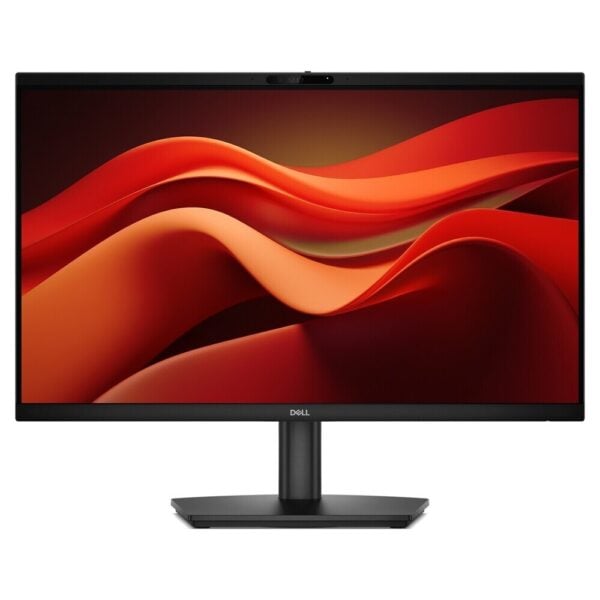
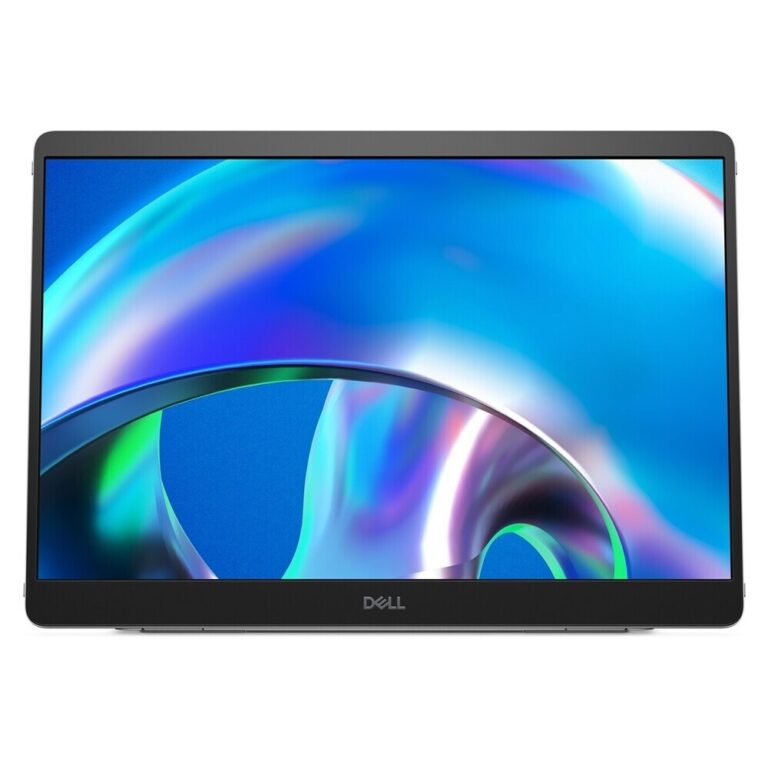
The Dell Pro E2426HB is a 23.8″ Full HD professional monitor with IPS panel, designed for everyday video conferencing and productivity in the office or home office. With a built-in webcam, speakers and microphone, it helps to quickly set up a neat workspace without extra peripherals.
Ideal for online meetings (Teams/Zoom), customer service, remote working, training and general office use where comfort in long hours of viewing counts.
- Daily video conferencing with clear picture/audio from a single point.
- Steady work with comfortable viewing angles (IPS) and proper ergonomics at the desk.
- Setup with laptop, desktop or docking station via HDMI/DisplayPort.
For a better connection experience, use a DisplayPort or HDMI cable depending on the available output of your device. The monitor also features USB connections for everyday use (e.g. keyboard/mouse) when the PC is properly connected to the USB upstream.
Official sources (Dell): product page/tech specs and drivers & manuals.
Does it have a built-in camera and audio for video conferencing?;
Yes. The E2426HB is a video conferencing monitor with built-in webcam, speakers and microphone, so you can hold meetings without additional equipment.
What devices is it compatible with?;
Works with desktop, laptop and docking stations with HDMI or DisplayPort output. USB (hub) functions require connection of the USB upstream to the computer.
Is it suitable for long hours of work?;
Yes-it's a professional IPS monitor for everyday office use. Adjust the height/tilt correctly so that the top of the screen is about eye level.
What should I look out for when connecting to a laptop?;
If the laptop only has USB-C, you usually need a dock/adapter that provides HDMI or DisplayPort. Check the available ports on the laptop or docking station before purchasing.
Where can I find the manual and setup instructions?;
On Dell's official support pages you will find User's Guide, Quick Start Guide, and guides/updates: see the links in the «Official Resources» section above.
Only logged in customers who have purchased this product may leave a review.







Reviews
There are no reviews yet