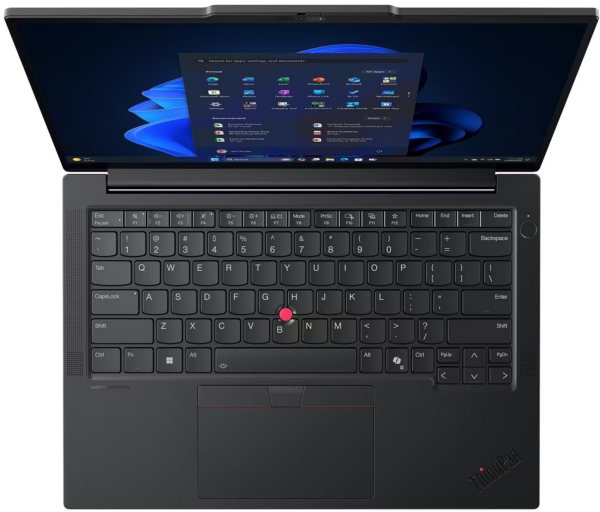
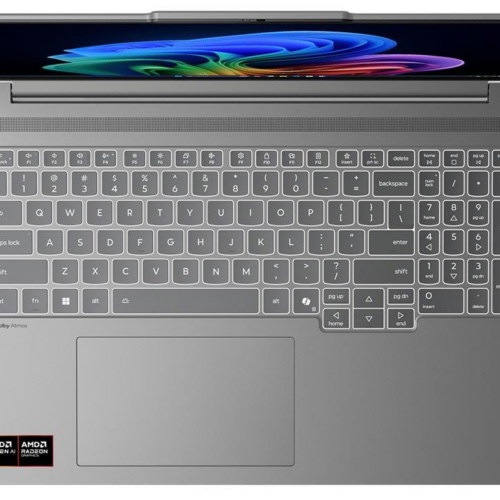
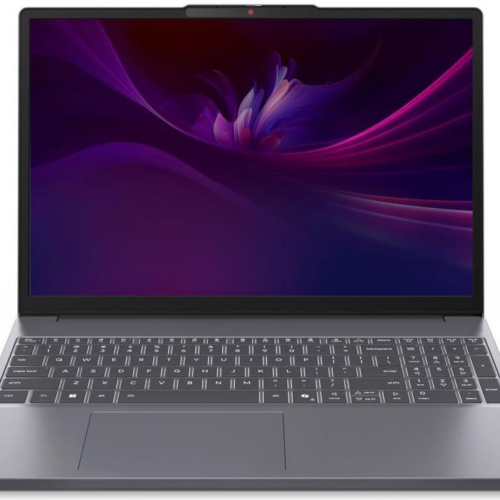
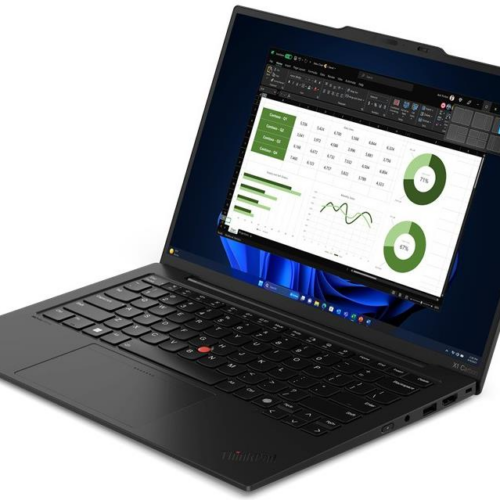
The Lenovo ThinkPad E14 Gen 7 It is a 14-inch professional laptop for users who want consistent performance for everyday tasks, portability, and practical connectivity options. The combination of Intel Core 7 240H, 16GB RAM and 512GB NVMe It provides a fast response to Office applications, web tools, video conferences, and multitasking without unnecessary complexity.
The screen 14-inch WUXGA 1920 x 1200 It offers more vertical space than a typical Full HD panel, which is helpful when working with documents, spreadsheets, emails, and browser applications. The size remains convenient for travel, while the ThinkPad E14 family emphasizes ergonomics, the keyboard, and professional use.
For connecting to a desktop or peripherals, Lenovo’s official PSREF lists Ethernet (RJ-45), HDMI, USB-A, USB-C, and docking capabilities via Thunderbolt or USB-C. Thus, the Lenovo ThinkPad E14 7th Gen It can function both as an everyday portable laptop and as a desktop workstation with an external monitor and peripherals.
Official Lenovo sources: ThinkPad E14 7th Gen PSREF and Product Specifications Reference PDF.
Frequently Asked Questions (FAQs)
Who is the Lenovo ThinkPad E14 Gen 7 best suited for?;
It's ideal for professionals, students, and office workers who need a reliable 14-inch laptop for productivity apps, multi-tab browsing, teleconferencing, and everyday multitasking.
What does the Intel Core 7 240H actually offer?;
The Intel Core 7 240H has 10 cores and 16 threads, so it offers fast performance for multitasking, office applications, and demanding web browsing without making the system too heavy for portable use.
Is 16GB of RAM and 512GB of NVMe enough?;
The 16GB of RAM provides a solid foundation for modern multitasking, while the 512GB NVMe SSD offers fast boot times, instant app launches, and plenty of space for documents, work tools, and media files.
What does a 14-inch WUXGA display mean?;
The 1920 x 1200 WUXGA resolution provides more vertical screen space than a standard Full HD panel, which is helpful for documents, spreadsheets, web applications, and working with two windows side by side.
Does it support wired and wireless networks?;
Yes. The ThinkPad E14 Gen 7 series features Gigabit Ethernet via RJ-45, and this specific product already includes 802.11 a/b/g/n/ac/ax wireless networking and Bluetooth in its specifications.
Can it be connected to a docking station or external monitors?;
Lenovo's official PSREF specifies support for docking via Thunderbolt or USB-C and an HDMI output, making it suitable for a desktop setup with a monitor, keyboard, and peripherals.