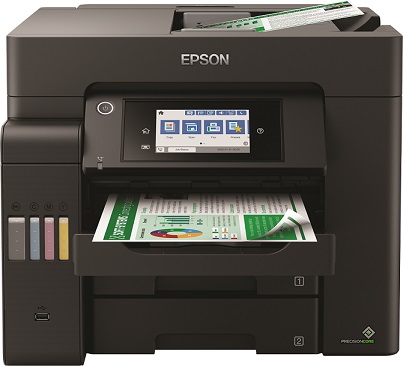
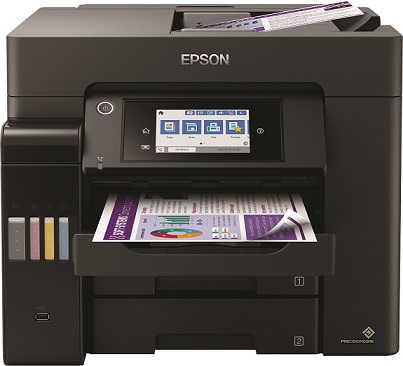
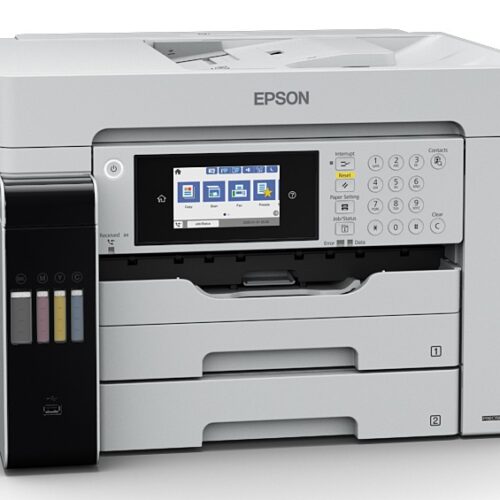
The Epson EcoTank L6550 it is a Multifunctional InkTank Machine for those who want daily documents with consistent quality and a very low cost per page. Combines printing, scanning, copying and faxing and fits in a small office, doctor's office, accounting office or any space that needs reliable workflow.
For confirmed information, see official page Epson EcoTank L6550 and the official user manual (PDF).
When is it convenient for you?: daily printing of invoices/receipts, scanning documents to email/envelope, copying in the office, and faxing when required.
Compatibility & practical tips: check that you have a stable Wi-Fi or Ethernet connection available, and space to place and open the paper trays. For installation steps, network settings and maintenance, follow the Epson documentation.
Is the Epson EcoTank L6550 suitable for a small office?;
Yes. It's designed for everyday office/small business use, with a focus on low printing costs and flexibility (print, scan, copy and fax). For details see the official Epson page.
Does it support wireless connection (Wi-Fi / Wi-Fi Direct)?;
Yes. Supports Wi-Fi and Wi-Fi Direct, so you can easily print from a computer or mobile devices. Confirm available connection options in the official Epson specifications.
Is there an Ethernet port for wired connection?;
Yes, it has Ethernet for a fixed connection to an office network. This is useful when you want to share a printer across multiple PCs.
What should I check before buying for compatibility with my space?;
Check available desk/shelf space, nearby power outlet and network access (Wi-Fi or Ethernet). Also check the official Epson manual for installation and setup instructions.
Where can I find guides and official documentation for the L6550?;
On the official Epson product page and in the official manual (PDF) for the ET-5800 / L6550 series.
Only logged in customers who have purchased this product may leave a review.




Reviews
There are no reviews yet