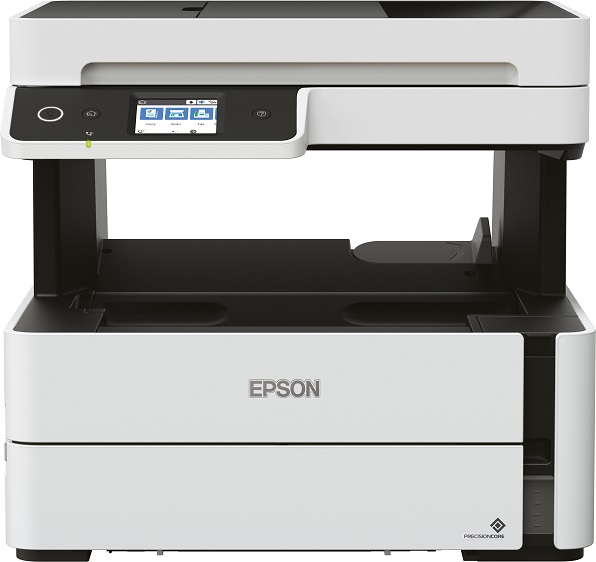
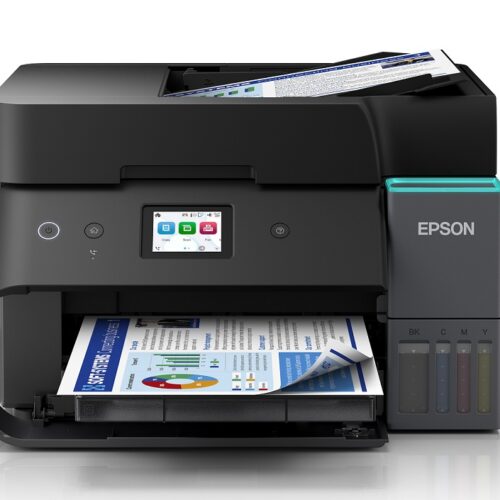
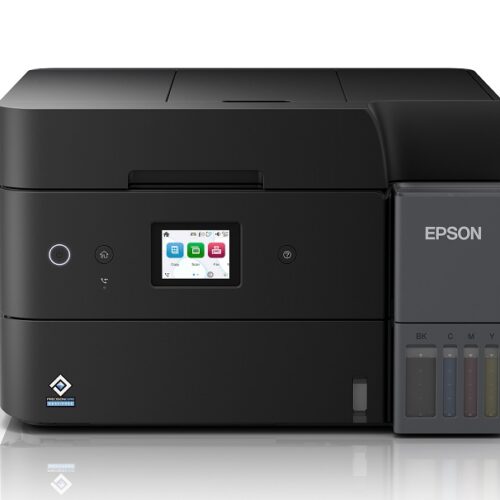
EPSON EcoTank ET-M3180 is a monochrome multifunctional machine (print/scan/copy/fax) for a professional environment, ideal when you want stable operation and easy office sharing.
Why choose it: supports connection Wi-Fi and Ethernet for flexible installation, while the automatic two-sided printing (duplex) helps save paper in everyday tasks.
Practical usage scenarios: Invoices/bills, forms, filing, scanning and sending documents, and basic faxing where required.
Official sources (Epson):
Epson - EcoTank ET-M3180 (product page)
Epson - M3180 Series User's Guide (PDF)
Is the ET-M3180 suitable for a small office?;
Yes. It is a monochrome multifunctional machine (print/scan/copy/fax) with networking options (Wi-Fi/Ethernet), so it can be used practically in the workplace.
Does it support an Ethernet connection in addition to Wi-Fi?;
Yes. The model supports both Wi-Fi and Ethernet, so you can integrate it into a corporate network or shared space.
Is there automatic duplex printing?;
Yes. Automatic duplex printing is supported to reduce paper consumption in typical office tasks.
Where can I find the official Epson guides/manuals for the ET-M3180?;
You can see the official Epson product page and the User's Guide for the M3180 series, which contains information on installation, setup and use.
What should I look out for for proper operation and print quality?;
Use genuine Epson consumables that correspond to the model and follow the instructions in the official manual for paper settings/maintenance to ensure consistent performance.
Only logged in customers who have purchased this product may leave a review.




Reviews
There are no reviews yet