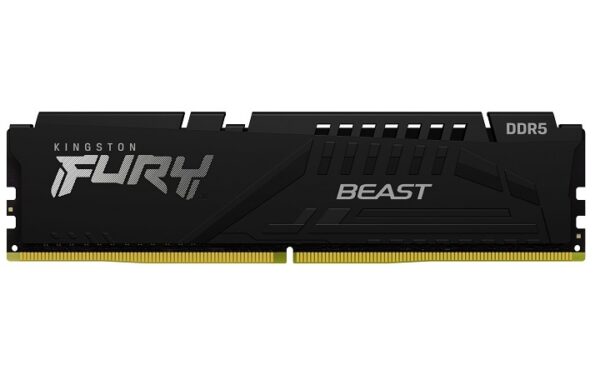
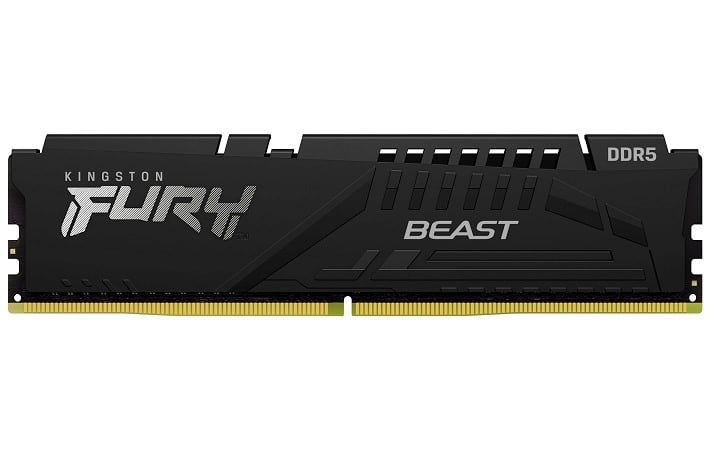
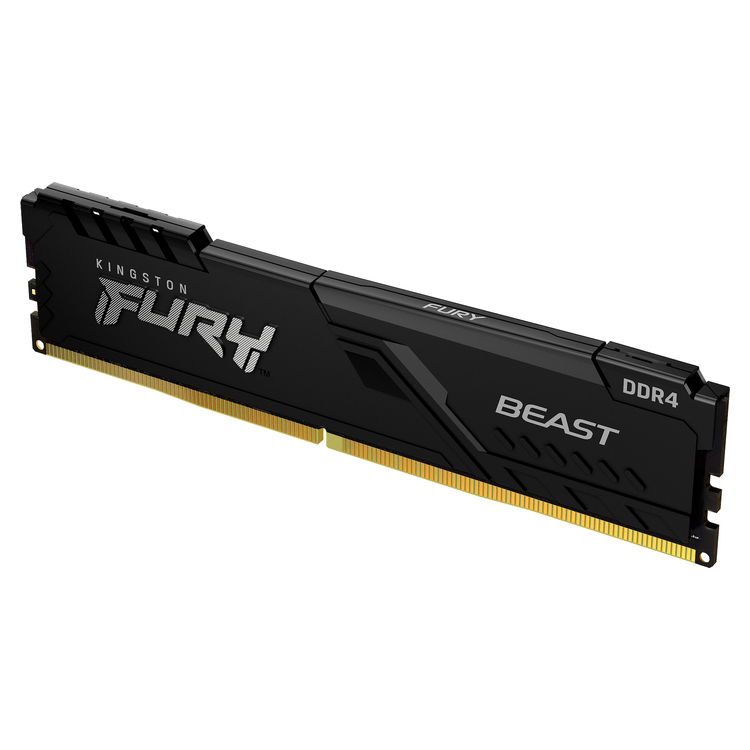
Kingston FURY Beast DDR5 in kit 16GB (2x8GB) with part number KF552C40BBK2-16. It is a reliable choice for upgrading a desktop DDR5 system when you want better responsiveness in games, multitasking and demanding applications, without messing with overly “tight” settings.
To make full use of memory, it is important to have motherboard with DDR5 and activate the profile Intel XMP 3.0 from BIOS/UEFI (where supported). Below you will find helpful selection/compatibility guidelines, official Kingston resources, and frequently asked questions.
Main features (official specifications)
- Total kit capacity: 16GB (2x8GB)
- Type: DDR5 UDIMM 288-pin (Unbuffered, Non‑ECC for the system)
- Nominal profile: 5200MT/s with timings 40-40-40 in 1.25V via Intel XMP 3.0
- JEDEC default: DDR5-4800 (depending on motherboard/BIOS)
- Height with heatsink: approx. 34.9mm
Compatibility & selection
Before purchasing, check that your motherboard/CPU supports DDR5 and that the kit is on Kingston's QVL or “Compatible Systems” list. If you are upgrading from an older kit, it is best not to mix different kits/models: it is usually safest to use the latest version for stability. a single kit (same part numbers) and adjust the XMP gradually.
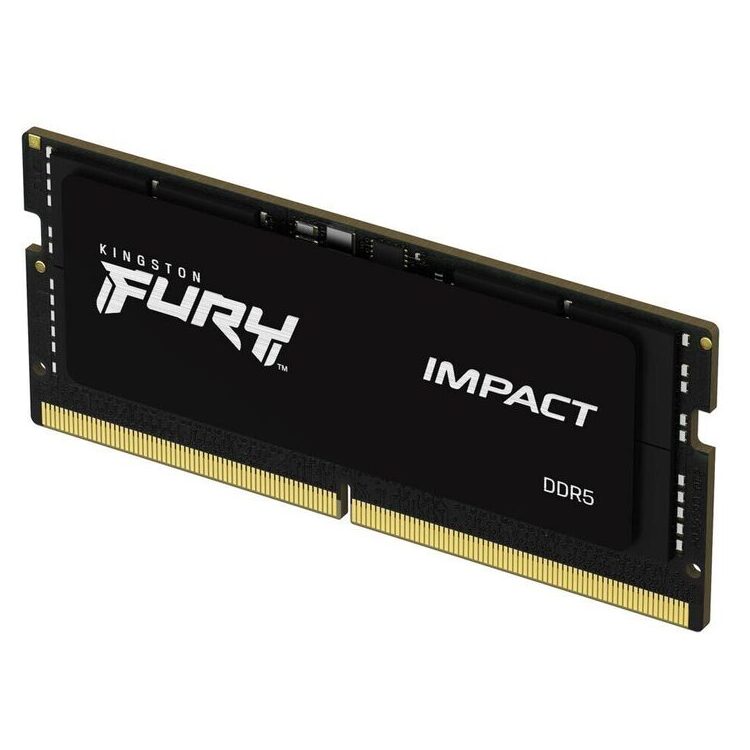
- Desktop only: it is not a SODIMM for laptops.
- Required motherboard with DDR5 slots. DDR4 motherboards are not compatible.
- To achieve the 5200MT/s, turn it on XMP in BIOS/UEFI (Intel XMP 3.0). If not enabled, the memory will run at more “safe” JEDEC settings.
- Check it out. QVL of the motherboard (where available) and the maximum supported configuration (slots/capacity/frequency).
Useful installation instructions
- Place the 2 DIMMs in the recommended slots (usually A2/B2) for proper dual-channel.
- After installation, update the BIOS if the manufacturer recommends a newer version for better DDR5 compatibility.
What to expect in practice
In a modern DDR5 system, proper memory tuning can improve smoothness in games and responsiveness in everyday workflow. If you're aiming for stability, start with the default settings and then enable XMP 3.0. If you're experiencing instability, a BIOS update or more "milder" settings often help.
For technical details and compatibility confirmation, please refer to the official Kingston sources below.
Official sources
Frequently Asked Questions (FAQ)
Is it suitable for a laptop?;
No. The KF552C40BBK2-16 is a 288-pin DDR5 UDIMM for desktop. For laptops you need DDR5 SODIMM (where supported by your system).
Do I need a DDR5 motherboard?;
Yes. DDR5 memory is not compatible with DDR4 motherboards. Make sure you have DDR5 slots.
How will it work at 5200MT/s?;
Enable Intel XMP 3.0 profile in BIOS/UEFI. If XMP is not enabled, it will work with JEDEC default settings (e.g. DDR5-4800), depending on the motherboard.
Is it ECC or Registered?;
No. According to the official spec sheet/parts search it is Non‑ECC and Unbuffered (UDIMM).
What about the warranty?;
Kingston covers memory modules (including Kingston FURY) with a “product lifetime” warranty, according to the official warranty statement. For kits, return of the entire kit is usually required.
Can I combine this kit with other DDR5 memory?;
It is generally recommended to avoid "mixing" different kits/models. For maximum stability, prefer a single kit with the same part numbers. If you add different memories, it is possible that the system will automatically drop frequency/settings or require a more conservative profile.
What should I check after installation?;
Check that the total capacity is correctly recognized and that it is operating in dual-channel. If you want the rated performance of the kit, enable Intel XMP 3.0 in the BIOS/UEFI. In cases of instability, a BIOS update and more gentle settings are often the safest solution.
Only logged in customers who have purchased this product may leave a review.




Reviews
There are no reviews yet