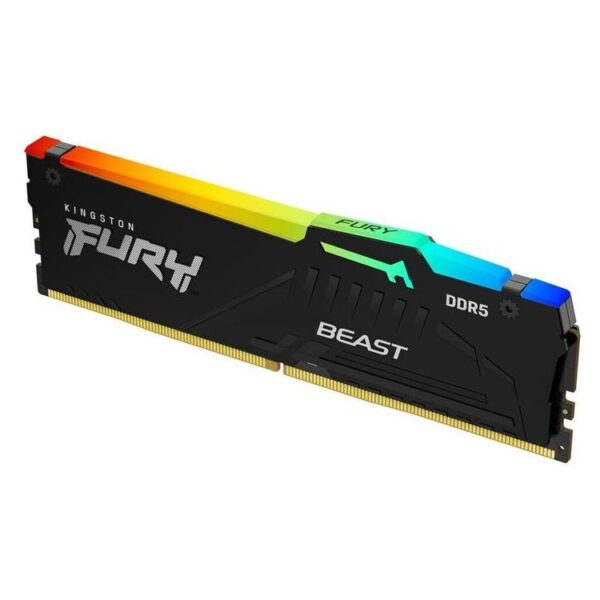
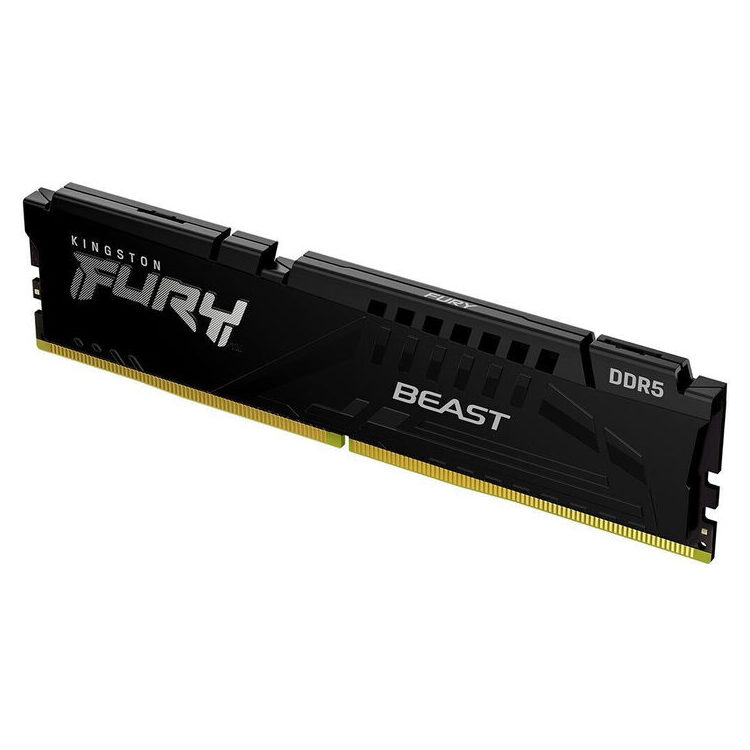
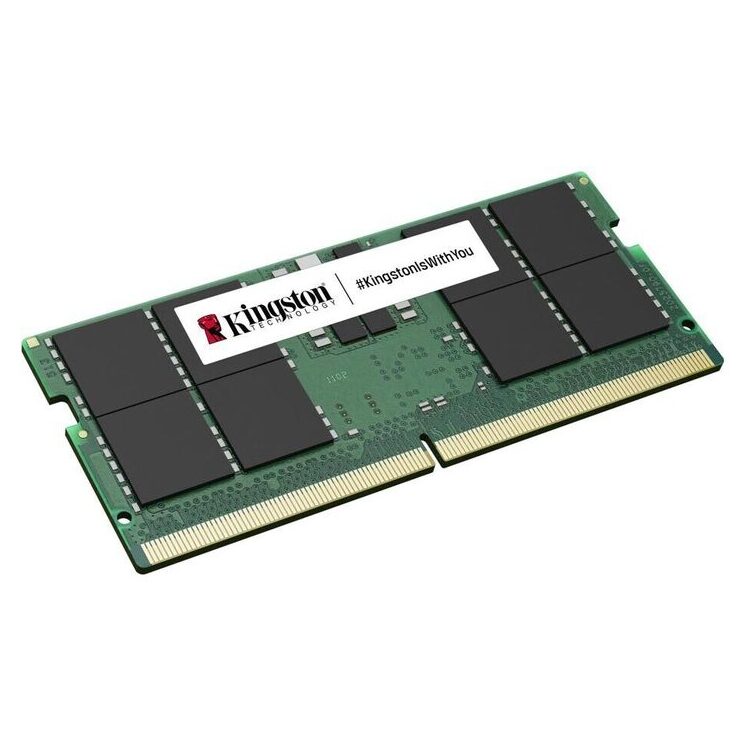
The Kingston FURY Beast RGB DDR5 8GB (KF556C40BBA-8) is RAM for desktop which aims for a smoother everyday experience, more comfortable multitasking, and better responsiveness in apps and games. If you are upgrading a system with DDR5, is a practical option to increase memory without getting tangled up with incompatible kits.
What do you gain in practice?
- Smoother multitasking: more tabs, tools and applications at the same time, with fewer "stucks".
- Best experience in creative work: more comfortable working with large files/many layers, depending on the system.
- RGB appearance on the box: lighting effects that are usually synchronized with the motherboard ecosystem (depending on the setup).
What to check before buying
- DDR5 support: requires a motherboard/CPU with DDR5 (not compatible with DDR4).
- Form factor: It is intended for desktops. For laptops you need SODIMMs, not DIMMs.
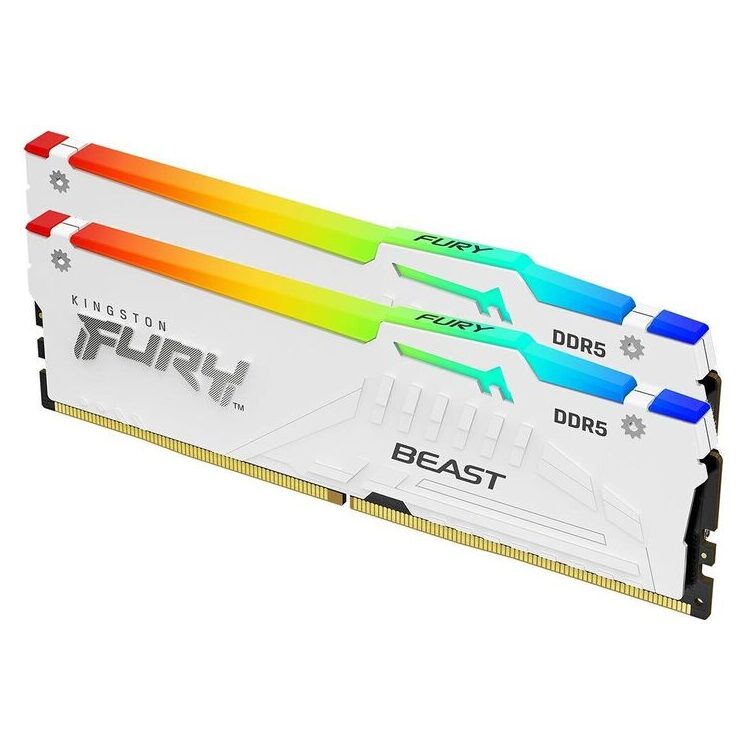
- Slots & upgrade: see how many slots you have available and whether it would be convenient for you to add a second identical module later.
- Combination with other memory: in mixed sets the system can "download" common settings for stability.
Official sources
Frequently Asked Questions (FAQ)
What systems does this memory fit into?;
It is DDR5 memory for desktop. You need a motherboard and processor that support DDR5. If your system is DDR4 or laptop (SODIMM), it is not the right choice.
Do I need to enable XMP/EXPO to reach the rated speed?;
This is motherboard/BIOS dependent. On many systems, the rated speed requires the appropriate memory profile to be enabled. Please refer to Kingston's official spec sheet and your motherboard's instructions.
Can I combine it with other DDR5 memory?;
Yes, but for better compatibility, identical modules (same capacity/series) are preferred. With different memories the system can operate at more "conservative" settings.
How do I check compatibility with my motherboard?;
Check your motherboard manual/QVL and Kingston Parts Search for part number KF556C40BBA-8. You will also find the official PDF with the specifications there.
How do I adjust the RGB lighting?;
RGB control is usually done by the motherboard software and/or the Kingston FURY CTRL, depending on system compatibility.
What about the warranty?;
Manufacturer's limited warranty applies. For terms, see Kingston's official warranty page. (Kingston Warranty)
Only logged in customers who have purchased this product may leave a review.




Reviews
There are no reviews yet