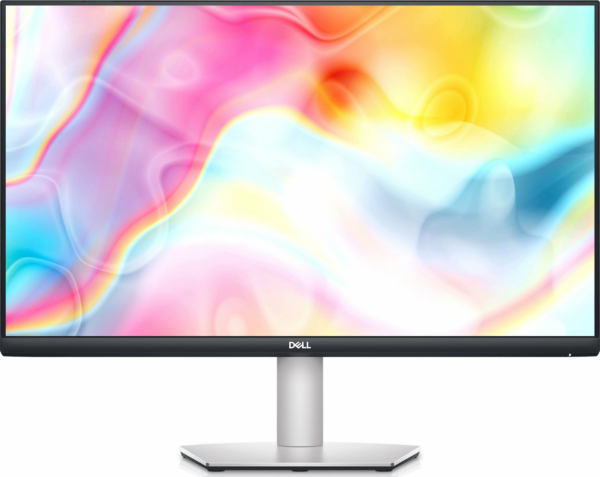
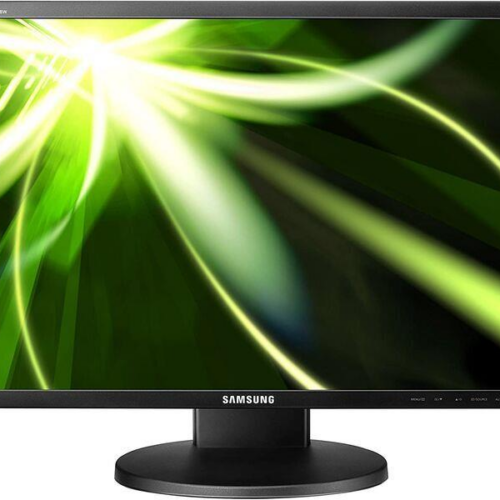
The Dell S2722DC is a quality screen 27″ QHD with panel IPS, designed for sharp images and comfortable working in spreadsheets, documents, web applications and office environments.
The connection via USB‑C helps keep the setup clean: on compatible laptops, USB-C can carry an image (DisplayPort Alt Mode). According to Dell's official product page, the monitor also supports USB-C Power Delivery up to 65W, so that it can charge compatible devices.
Usage scenarios: home office, back office, studies, small content studio and daily entertainment. The 75Hz refresh rate and FreeSync help for smoother motion, especially in scrolling and light gaming.
Compatibility / useful notes: USB-C image requires DisplayPort Alt Mode support from the laptop. For charging via USB-C, the support and power that the laptop will «see» depends on its requirements. If you need simple connection without USB-C, you can use HDMI.
Official Dell sources
Can I use it with a laptop with only USB‑C?;
Yes, as long as the laptop's USB-C supports video output (DisplayPort Alt Mode). If it doesn't, use HDMI.
Does it support laptop charging via USB‑C?;
According to the official Dell product page, it supports USB-C Power Delivery up to 65W. Actual charging depends on the laptop requirements.
How do I change input (USB‑C/HDMI) easily?;
You can select input from the monitor's OSD menu. There are steps and pictures in the official Dell instructions.
Where can I find official instructions/documents for the S2722DC?;
Dell's support page with manuals & documents for the S2722DC.
What does New Open Box mean?;
It usually means open packaging. If you need confirmation of accessories/containers, it is recommended to contact us before ordering.
Only logged in customers who have purchased this product may leave a review.

Reviews
There are no reviews yet