Product condition: Refurbished Grade A. Fully functional, in excellent condition with minimal or no signs of use. Covered by a 2-year warranty.
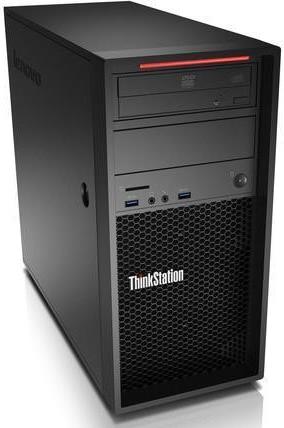
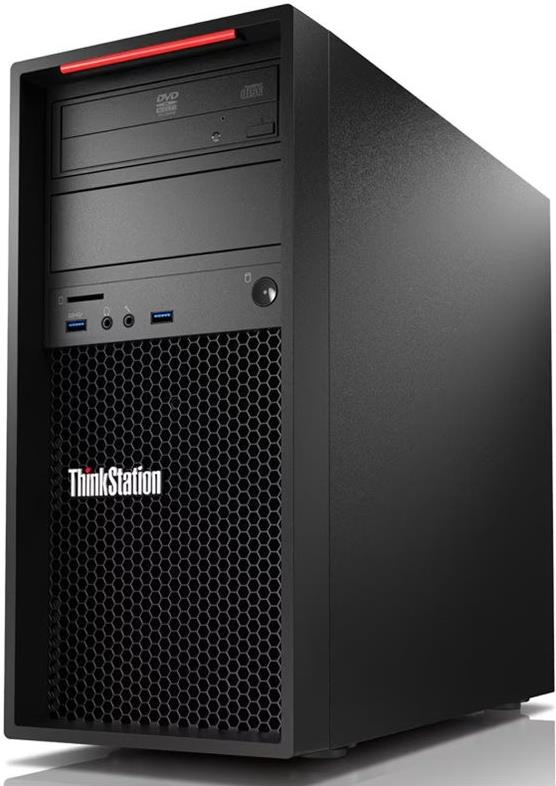
Lenovo ThinkStation P310 MT Refurbished is the computer of choice for office, work and everyday applications, with a focus on performance, stability and easy feature comparison. The description brings together the information you need to make the right choice.
I want to make it a “workstation” with GPU. The chassis/power supply supports discrete GPU (depending on the card/consumption). If you are not sure about compatibility, let us know the GPU model you are interested in.
Guarantee?; Covered by a 3-year warranty (as stated in the features/attributes).
What is the difference between ECC and non-ECC RAM?;
ECC memory adds error correction for increased reliability in professional use. The P310 supports ECC or non-ECC DDR4 UDIMM (depending on configuration).
Can I upgrade my RAM/disk later?;
Yes. The P310 has 4 memory slots and storage/expansion slots that allow for incremental upgrades.
Is there documentation available for the ports/extensions?;
Yes. See Lenovo's official PSREF page that lists the chassis, ports, expansion options and certifications.
How much does the system weigh?;
According to Lenovo PSREF, the weight (maximum configuration) is 13 kg.
See more products and solutions at twodots.gr.
Frequently Asked Questions (FAQs)
For which professional use is the Lenovo ThinkStation P310 MT with Xeon E3-1245v5 suitable?;
The Intel® Xeon® E3-1245v5 4-core/8-thread at 3.50GHz combined with 8GB DDR4 memory makes it suitable for CAD light, photo editing, office engineering applications and multitasking in professional programs.
Can I upgrade to more RAM or a larger SSD?;
The system has 8GB DDR4 and 4 DIMM slots, so you can add +4GB or +8GB of RAM according to the available options, and the original 256GB SSD can be replaced with a new 480GB SSD for more storage.
Is it suitable for use as a graphics or 3D workstation?;
The built-in Intel® HD Graphics P530 card is professional but basic, ideal for 2D design, office and multi-display viewing via DisplayPort and VGA, but not for heavy 3D rendering or demanding game engines.
What is the connectivity and ports offered by the system?;
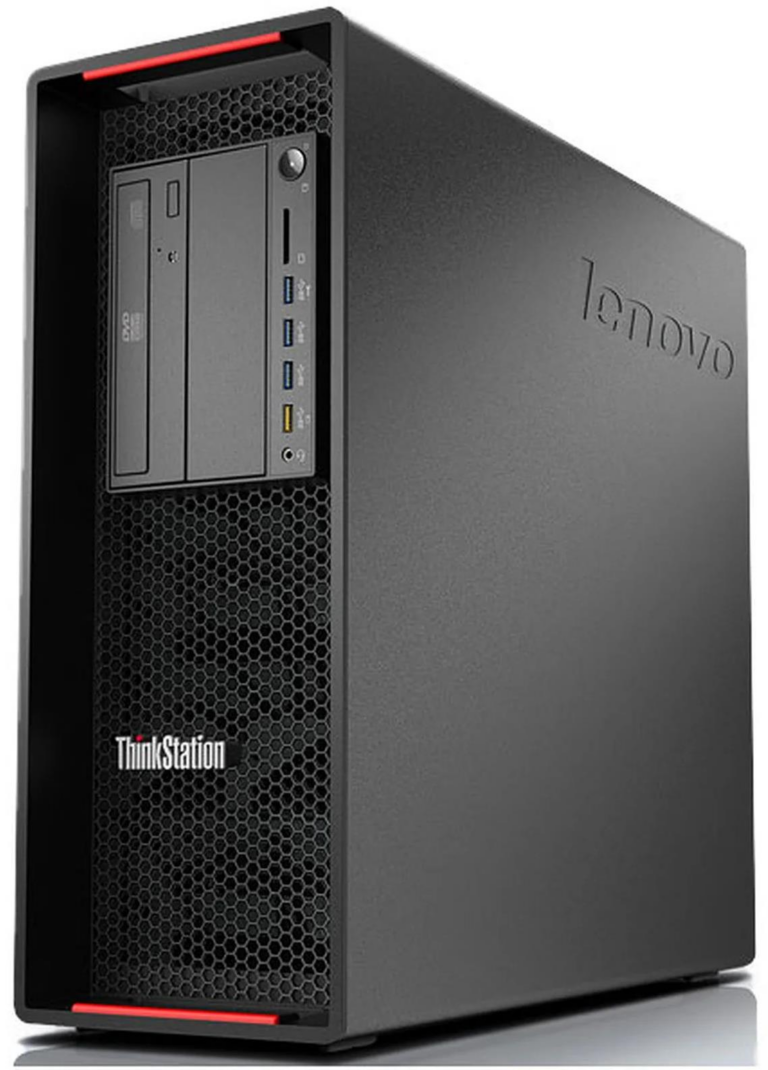
On the front you'll find Audio I/O and USB 3.0 for easy connection of headphones and USB devices, while on the back there's Audio I/O, DisplayPort, VGA, RJ45 Gigabit network, Serial, USB 2.0 and USB 3.0 for old and modern peripherals.
Supports installation of additional cards, such as professional GPU or expansion cards;
Thanks to the PCIe x16, PCIe x4 and PCIe x1 slots you can install an independent graphics card, sound cards or storage control cards, as long as they fit into the available PCIe slots and the dimensions of the tower box.
Does it have an optical drive or do I need to use another medium to install software?;
The system has no built-in optical (No Optical), so software and operating system installation is best done via USB stick or network.
Can I read memory cards directly from the computer?;
Yes, the workstation has a built-in card reader so you can quickly transfer photos and files from cameras or other devices without an external card reader.
Only logged in customers who have purchased this product may leave a review.



Reviews
There are no reviews yet